Industry
Auto
Client
Ford
Ford Data Search Tool

Overview
Ford employees on the Global Data, Intelligence, and Analytics team (GDIA) use the Data Factory catalog to access, search, and filter vendor data. I joined the design team to update the platform and run user interviews for feedback. The goal was to redesign the catalog to make it easy to use.

Background
The Informatica search engine is used to find and filter data. Some users find it confusing, inconsistent, and difficult to use. The Ford GDIA team tried to address the issue by creating the Data Factory Catalog. The catalog serves as a user-friendly “homepage” for the Informatica search engine. Because this catalog was a recent creation there was a lot of room for improvement.
Design Updates
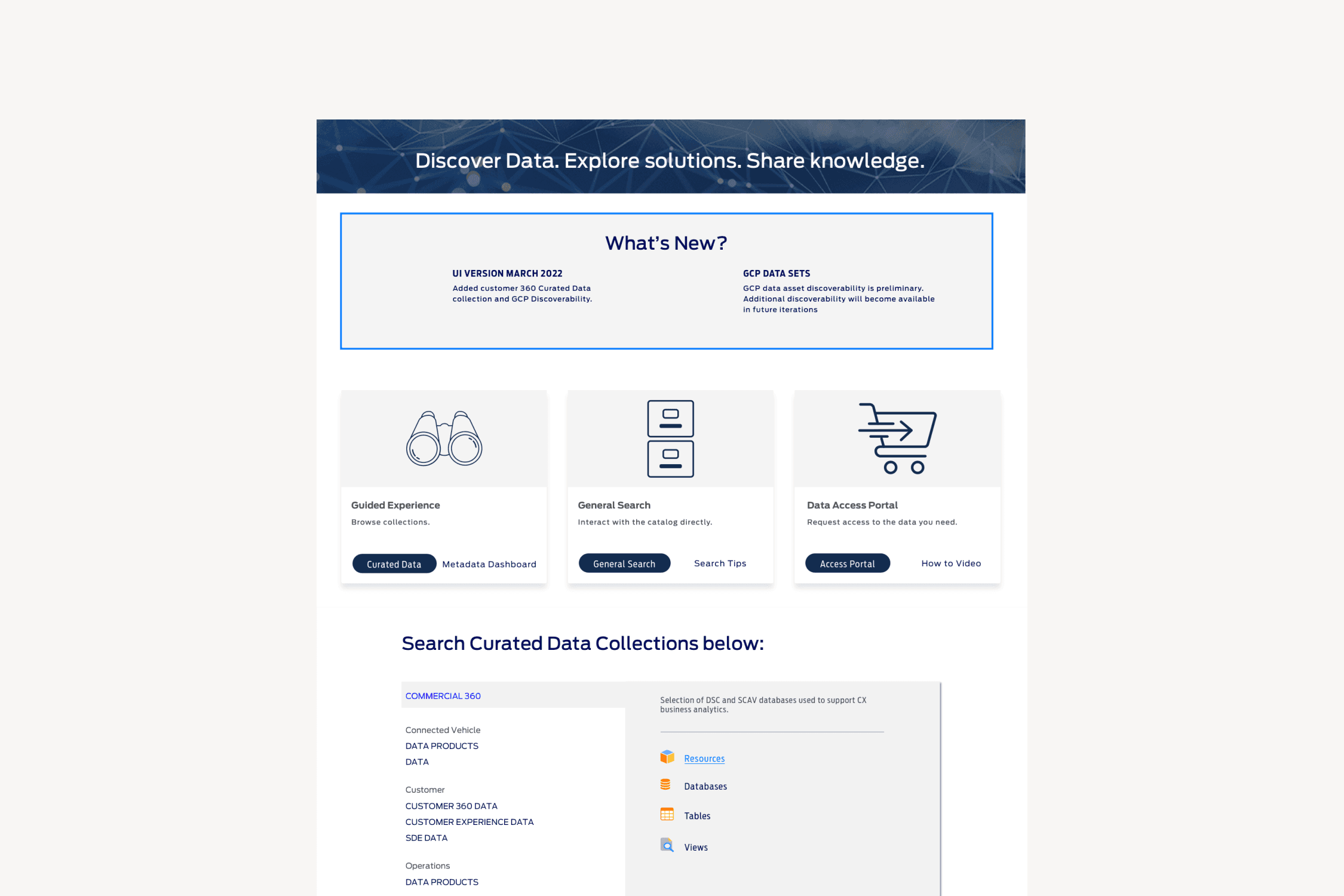
I worked directly with the UX team to create a streamlined catalog by adding a resources menu, providing different methods to search data, and a “How to search” pop-up.

Search Tools
Guided Experience: Users that are unsure what to search for can browse through the resource collections that provide filtered search results. General Search: Users that would like to view the Informatica tool directly can use general search. The Search tips option shows a “How to Search” pop-up that gives users common search methods used. Data Access Portal: Users that need access to restricted Data collections can visit the Data Access portal. There is also a video option on how to request Data.
User Research
Eight User interviews were conducted through WebEx video call. Testers were users that work in the Ford analytics department. During these interviews the users were asked about their job role and how they use the Data Factory catalog to search for data. Users would then view a newer iteration of the Data Factory Catalog and explain their overall thoughts/frustrations with the design updates.
